Install the package with pip install qrcode.
PYTHON PROJECT / 01
QR code
generator.
A compact Python utility that turns a link or text into a shareable QR image. Built with the qrcode library and designed as a clear first automation project.
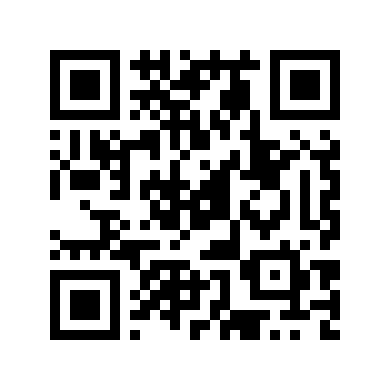
LANGUAGEPython
LIBRARYqrcode
OUTPUTPNG image
THE WORKFLOW
From text to scan.
Set the data you want people to scan, such as a website URL.
Create and save a custom QR image ready to share.
SOURCE SNAPSHOT
Core code.
import qrcode

data = "https://arsani-tech.netlify.app/"
qr = qrcode.QRCode(version=1, box_size=10, border=5)
qr.add_data(data)
qr.make(fit=True)

image = qr.make_image(fill_color="red", back_color="white")
image.save("MyQRCode2.png")